Overview
HeroBanner displays a prominent page header with image or color background. Automatically adjusts text color for optimal contrast and supports icons on color backgrounds.
Key Features
- Image background with position control
- Solid color background with automatic contrast
- Optional icon display on color backgrounds
- Configurable height (120-400px)
Examples
Interactive Demo
Toggle between different banner styles to see image, color, and icon variations.
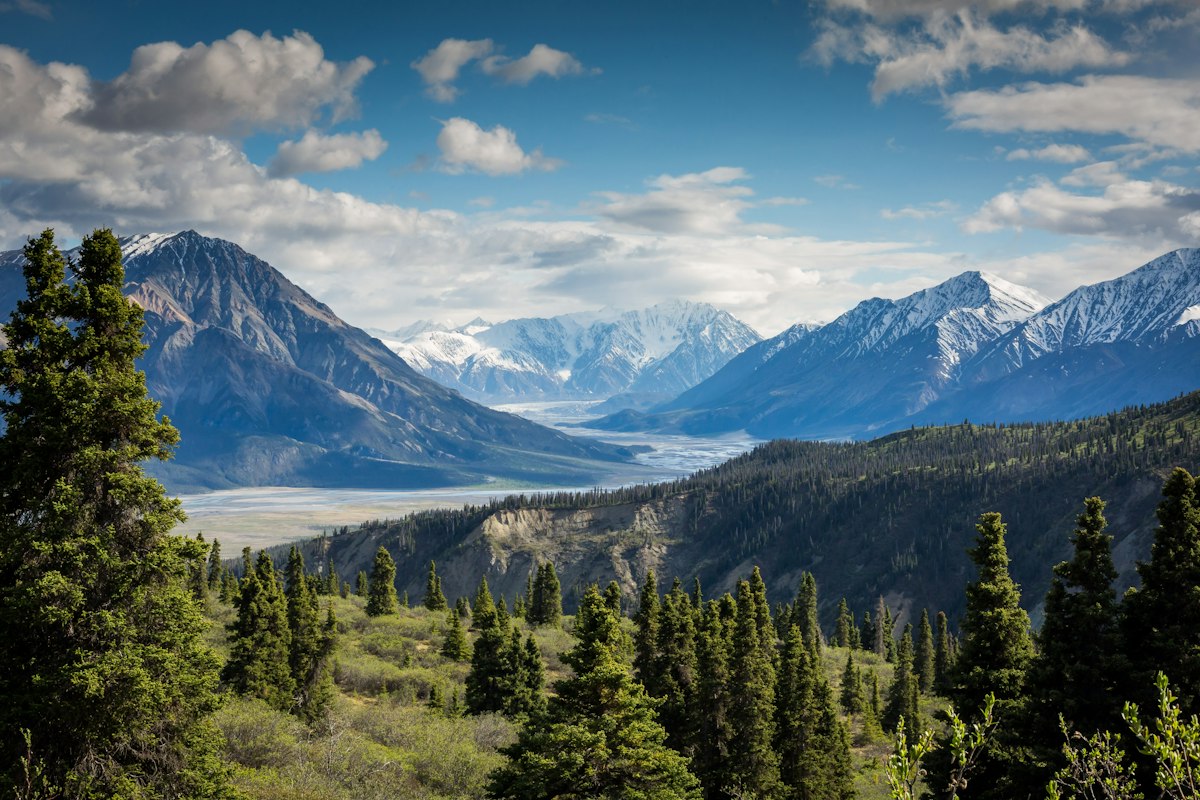
Mountain Adventure Program
Join our outdoor testing initiative
Props Reference
| Prop | Type | Default | Description |
|---|---|---|---|
title | string | - | Banner title text |
description | string | - | Optional description below the title |
imageUrl | string | - | Background image URL |
color | string | - | Background color (hex) |
icon | IconDefinition | - | Font Awesome icon for color backgrounds |
height | number | 280 | Banner height in pixels (120-400) |
imagePosition | { x: number, y: number } | { x: 0.5, y: 0.5 } | Image focal point (0-1 for x and y) |
Usage
import { HeroBanner } from '@/ui/components';

// With image background
<HeroBanner
  title="Welcome to Beta Testing"
  description="Join our community of testers"
  imageUrl="https://example.com/image.jpg"
  height={280}
/>

// With color background
<HeroBanner
  title="Program Dashboard"
  color="#3B82F6"
  height={200}
/>

// With icon on color background
<HeroBanner
  title="My Project"
  description="Hardware validation testing"
  color="#10B981"
  icon={faRocket}
  height={240}
/>

// With image position adjustment
<HeroBanner
  title="Scenic View"
  imageUrl="https://example.com/landscape.jpg"
  imagePosition={{ x: 0.5, y: 0.3 }}
  height={320}
/>